Best Camo Sniper Settings for iPhone & iPad: Field of View, Sensitivity and Gyro Aim
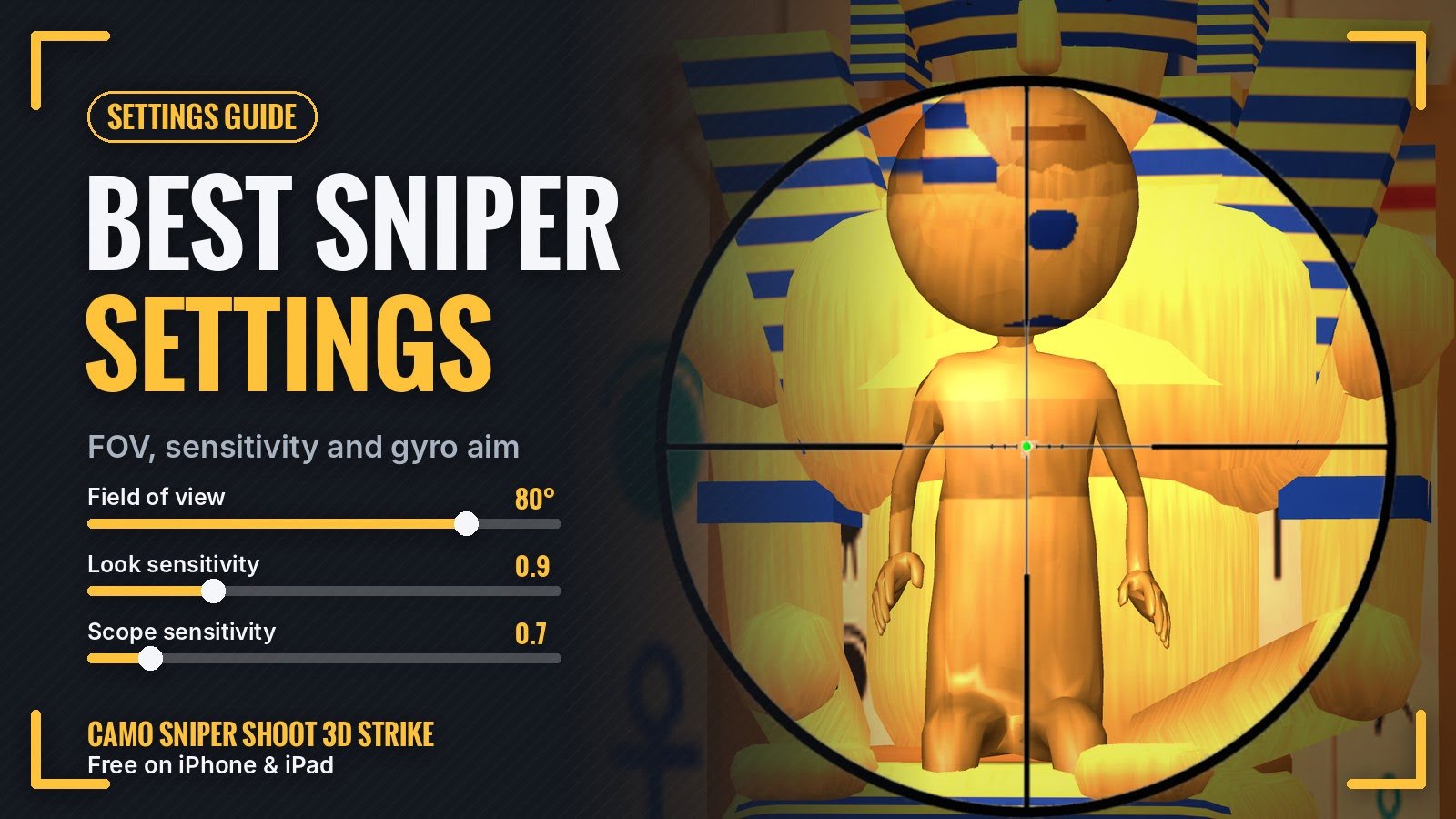
Overshooting the target every time you swipe? Crosshair shaking when you zoom in? A few settings in Camo Sniper Shoot 3D Strike fix both. This guide covers every option on the Settings screen, what the numbers mean, and a good starting point for iPhone and iPad.
- 40°–90° field of view range
- 80° default field of view
- 0.5–2.0 look and scope sensitivity
- Off gyro aim by default
Big updates are coming: City rooftop missions, alien hiders, new icons and a Fire tablet version. See what's on the way.
Where to find Settings
Start any mission and tap the gear button in the top-left corner, next to Retry. The game pauses your aim while Settings is open, so nothing fires by accident. Settings has two groups, View and Aim, plus a Reset button that puts everything back to default.
Field of view: how much of the room you see
The field of view slider runs from 0% to 100%, which the game maps to 40° to 90°. The default is 80%, which is 80°.
- Wider (85–90°) shows more of the room at once. It's great for the first sweep, especially on iPad.
- Narrower (60–70°) makes everything bigger without raising the scope, which helps on a small iPhone screen.
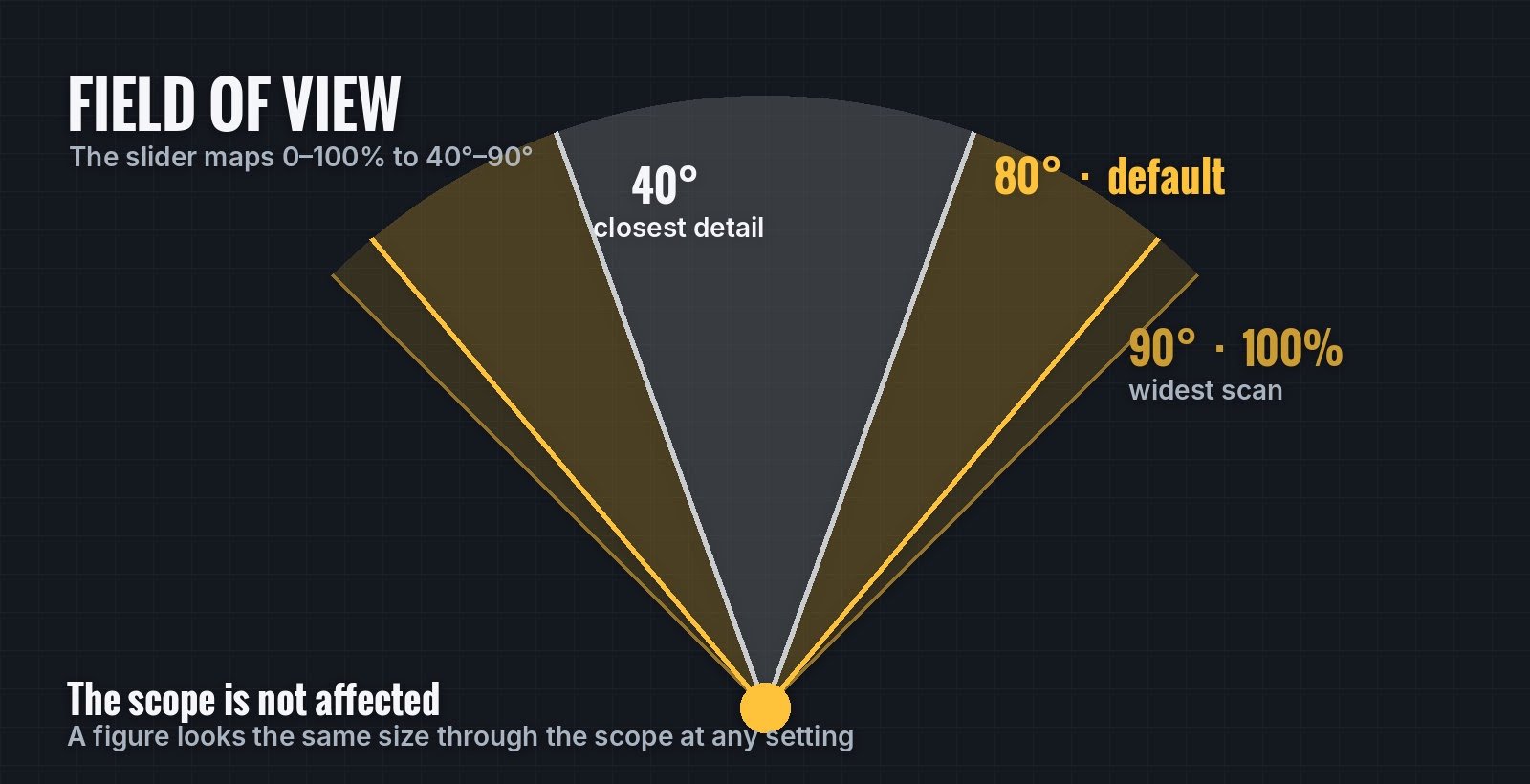
The slider changes your normal view. The scope is not affected.
One detail matters a lot: the field of view does not change the scope. Scope zoom is measured from each level's own framing, so a hidden figure looks the same size through the scope whatever you pick here. That means you can choose a wide view for searching without making your shots any harder.
Look sensitivity: how fast you turn
Look sensitivity sets how far the view turns when you drag without the scope. It goes from 0.5 to 2.0, and the default is 1.0. Turning speed also follows your field of view, so a wider view turns a little faster for the same swipe.
If you keep sweeping past things, try 0.8 or 0.9. If you find yourself swiping again and again to cross the room, go up to 1.2 or 1.3.
Scope sensitivity: how steady your aim is
Scope sensitivity does the same job while you're looking through the scope. It also runs from 0.5 to 2.0, with 1.0 as default. This is the setting that decides most missed shots. A lower value gives you finer control when you're zoomed in close on a small figure. We like 0.6 to 0.8.
Gyro aim: fine-tune by tilting
Turn on Gyro aim and you can nudge the crosshair by tilting your iPhone or iPad. It's off by default and works like this:
- It only works while you're scoped. Normal looking around stays on your finger.
- It pauses while your finger is on the screen, so the tap that fires can't knock your aim off target.
- It needs a device with a gyroscope. Every recent iPhone and iPad has one.
Gyro aim is best for small corrections: drag to get close, then tilt slightly to centre the crosshair and tap. Hold the device with both hands.
Zoom while scoped
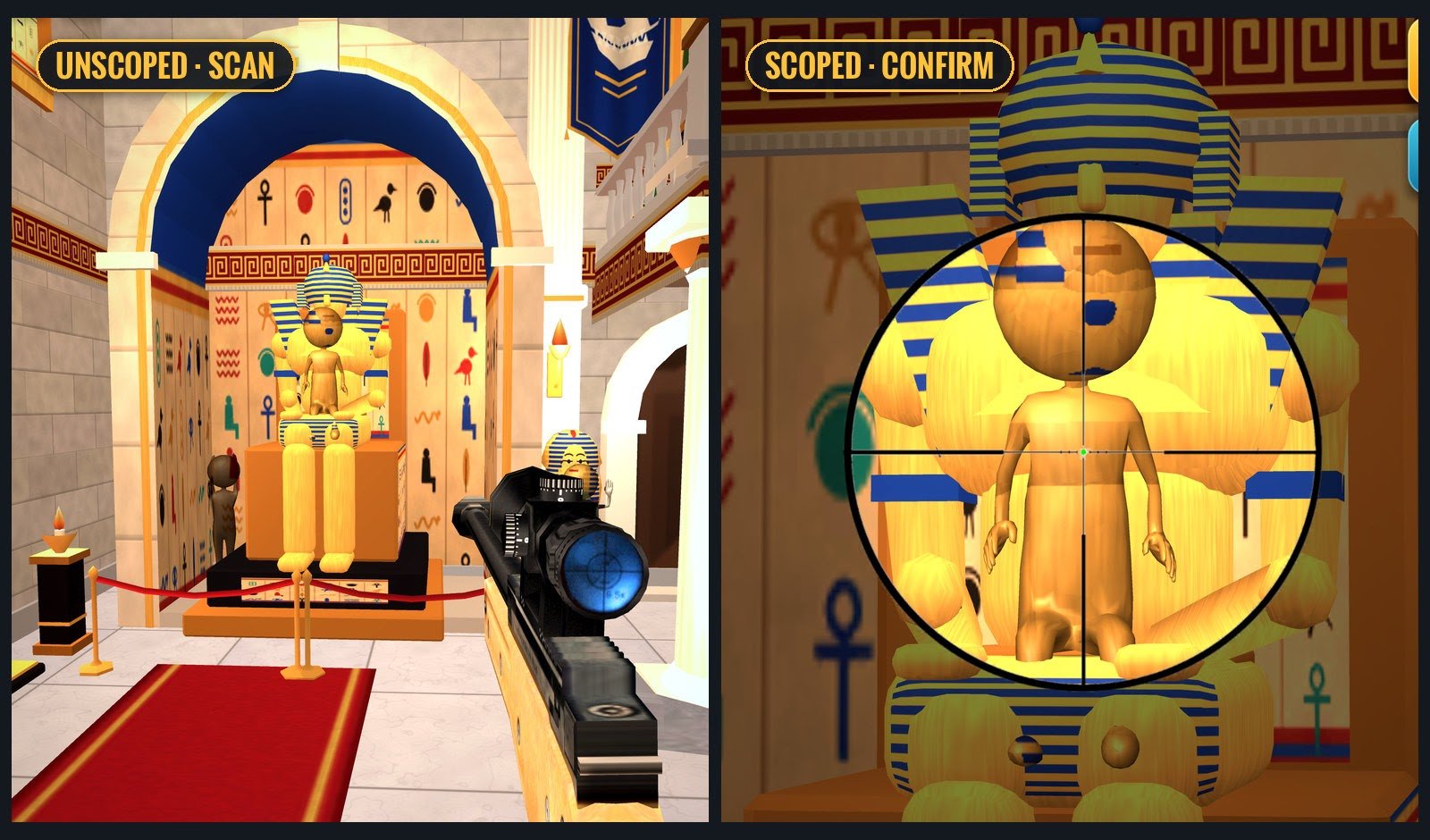
Scan without the scope, then raise it to confirm.
Zoom isn't in Settings, but it's part of good aim. While scoped, the zoom button switches between two levels, the second twice as close as the first. Pinch with two fingers to set anything in between. The current magnification is shown next to the zoom button, and a two-finger touch never fires.
Starting points by play style
| Play style | Field of view | Look | Scope | Gyro |
|---|---|---|---|---|
| Relaxed search on iPad | 85–90° | 0.8 | 0.7 | Off |
| Precise aim on iPhone | 70–80° | 1.0 | 0.6 | On |
| Fast clears | 80° | 1.3 | 1.0 | Off |
These are our suggestions, not rules. Change one value at a time and play a mission before you change the next. If it all feels wrong, tap Reset.
Better aim is half of a three-star run. The other half is not wasting shots, which we cover in how to get 3 stars.